How to Use Refund Calculator within the 1040 Software
Using the Tax Estimator within the 1040 Software
 The program can estimate the taxpayer’s potential refund or taxes owed by using the tax estimator's steps of procedure that are provided below:
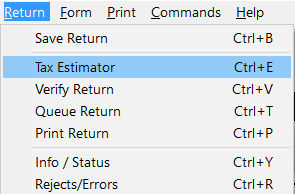
- From within a tax return, Select Return from the prompts along the left top pane of program.
- Click Tax Estimator; the program opens the Tax Estimator page & adds it to the return environment.
NOTE: The program will also open the Tax Estimator when you press CTRL+E on your keyboard.
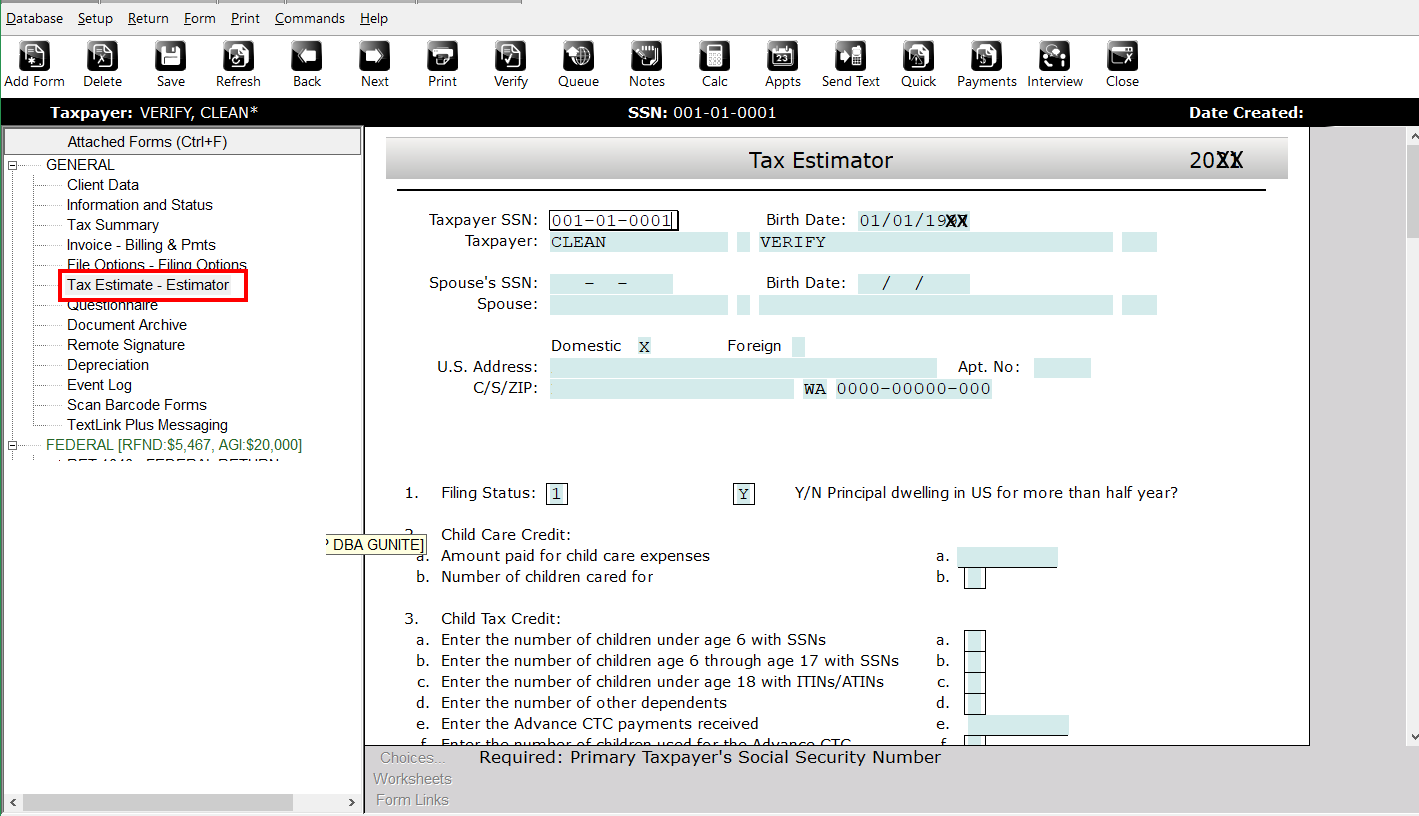
- Complete the required information to obtain your potential refund amount or taxes owed.

Article ID: 108
Created: Mon, Jul 18, 2016
Last Updated: Tue, Dec 20, 2022
Online URL: //kb.erosupport.com/article-108.html