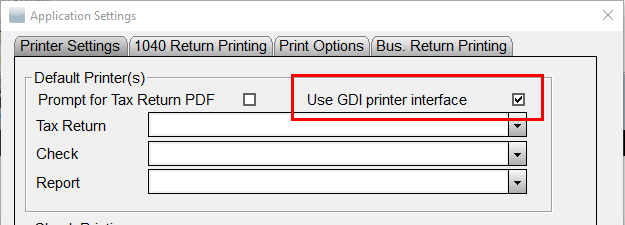
When printing, pages are blank.
Â
The printer is not an HP compatible laser printer supporting a Printer Control Language of 6 or higher. This error has been known to occur when attempting to print to Brother brand printers.
Â
Article ID: 115
Created: Mon, Jul 18, 2016
Last Updated: Fri, Jun 4, 2021
Online URL: //kb.erosupport.com/article-115.html