Clearing an Override
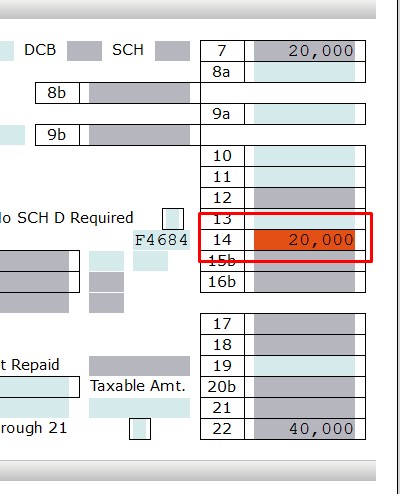
When a field has an override value on it, the field will be highlighted in Red by default.
In order to clear the override, right click the mouse on that field and choose Clear Override as shown below, or press F5.
Notice the Red highlight is removed, indicating the override is cleared.

Article ID: 283
Created: Tue, Aug 16, 2016
Last Updated: Fri, Feb 9, 2018
Online URL: //kb.erosupport.com/article-283.html