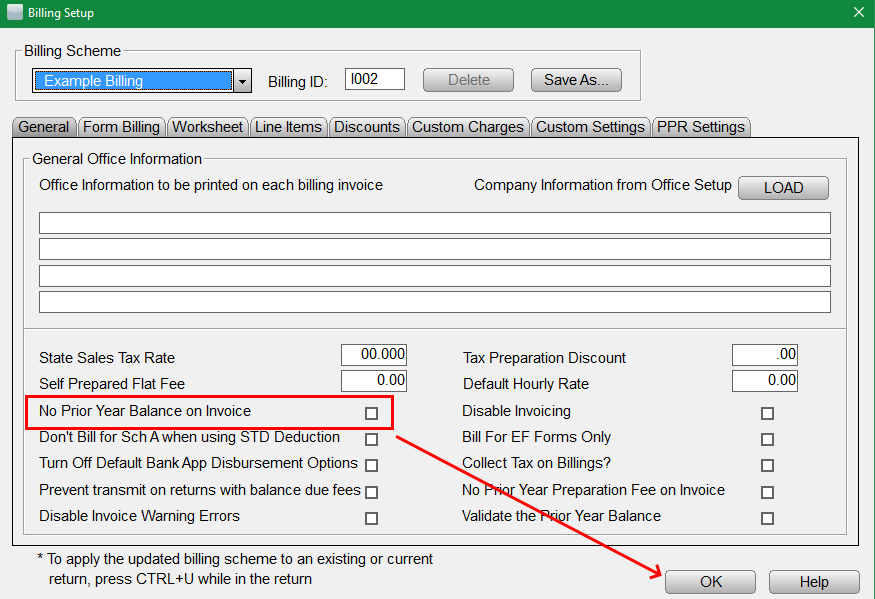
Adding/removing the prior year balance
The following short steps provide how to add or remove the prior year balance on the invoice:
Article ID: 293
Created: Tue, Aug 16, 2016
Last Updated: Thu, Oct 21, 2021
Online URL: //kb.erosupport.com/article-293.html