How to View Imported Images
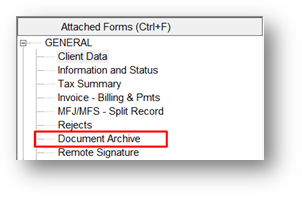
Step 1 From within the imported return. Click on Document Archive under the attached Forms pane on the left.
Step 2 Imported docs with appear in the archived documents listing window.

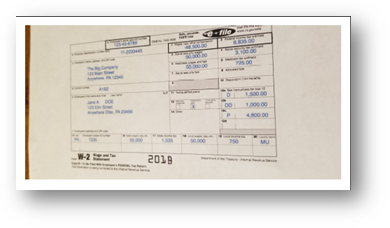
Step 3 Double click any entry to generate the imported image.
Article ID: 763
Created: Fri, Nov 22, 2019
Last Updated: Fri, Oct 29, 2021
Online URL: //kb.erosupport.com/article-763.html