How to Automatically Import Additional Documents into the Software from Mobile App
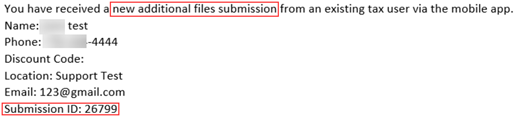
- Once taxpayer has submitted the additional documents thru the mobile app you will receive an email stating there was an additional files Submission containing the submission ID.
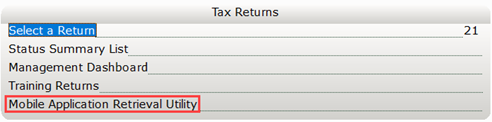
- Open your tax software program and click on Mobile App Retrieval.
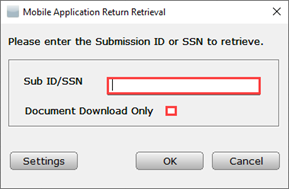
- Enter the Submission ID/SSN and check the box Document Download Only and click OK.
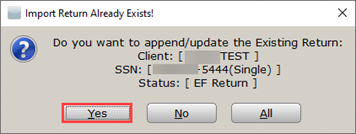
- The Import Already Exists window will appear. Click on Yes or All to upload additional documents into the document archive.
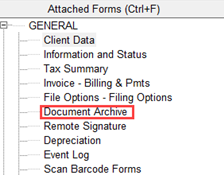
- Go to the document archive to view the additional images. Most recent images will be at the top with a current time stamp.

Article ID: 775
Created: Fri, Dec 6, 2019
Last Updated: Fri, Oct 29, 2021
Online URL: //kb.erosupport.com/article-775.html