 that appears next to the name of the record.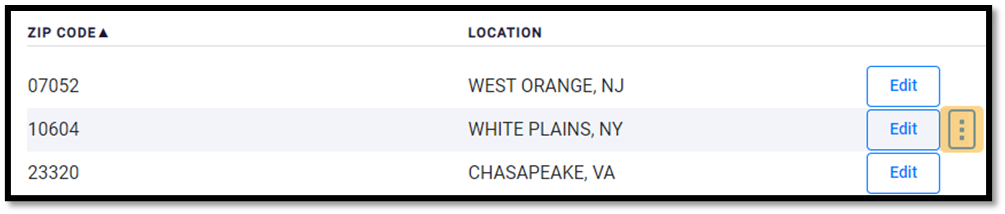
Deleting Records from the Database
Most records in the database are automatically generated as tax returns are completed, but it may be necessary to delete records that are duplicates of other more complete records, or records that no longer serve any purpose.
 Follow the instructions below to successfully delete a Record in the Database:
that appears next to the name of the record.
Article ID: 865
Created: Mon, Mar 28, 2022
Last Updated: Tue, May 17, 2022
Online URL: //kb.erosupport.com/article-865.html