 to begin making changes to the client letter
NOTE: You can not edit/make changes/or delete the ENGLISH (default) version of the client letter.
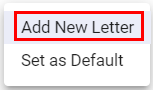
NOTE: Max 10 characters Alpha/Numeric only
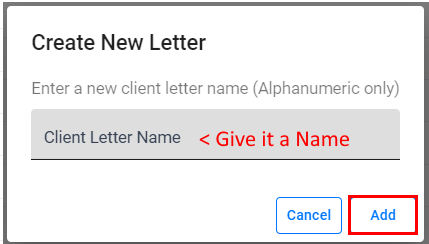
This function can only be done within the Office Level.Â
to begin making changes to the client letter
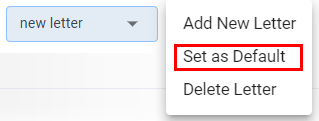
To set the newly created client Letter as DEFAULTÂ
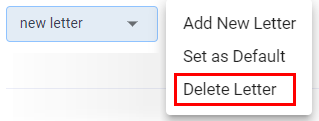
To delete a custom client letter Â
Article ID: 898
Created: Fri, Apr 8, 2022
Last Updated: Mon, Aug 15, 2022
Online URL: //kb.erosupport.com/article-898.html