How to Apply Prior Year Authorization Codes


Prior Year Authorization codes

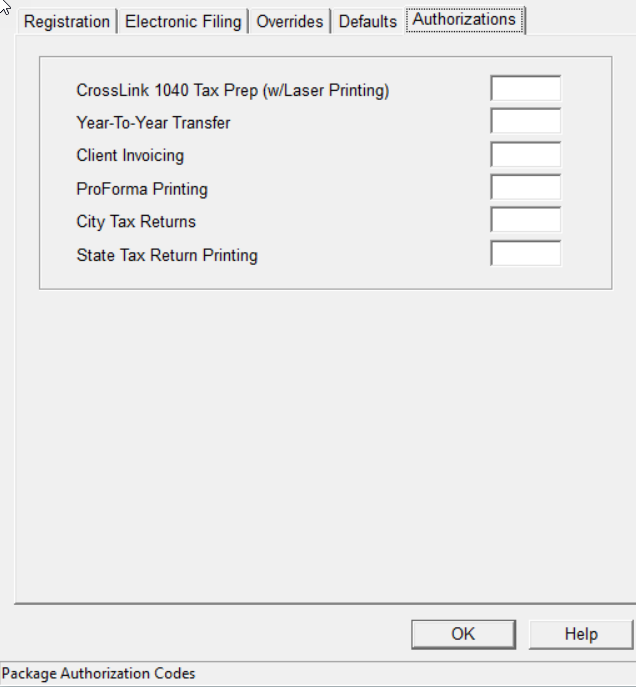
Older software years may require an auth code EVAL to activate features in Office Setup. Use the following steps listed below to input codes when required:

  1. Log into the software with Administrative access level.
  2. Click on Setup > Office Setup > Tab for Authorizations.


  3. Enter the Auth Code EVAL (DEVL can be used as an additional option if EVAL does NOT work).
  4. Select OK to close Office Setup.
  5. Test print function to verify resolution.


Article ID: 98
Created: Mon, Jul 18, 2016
Last Updated: Thu, Jun 30, 2022

Online URL: //kb.erosupport.com/article-98.html