How to Configure The Program to Automatically Compute Sales Tax
Steps to configure the automatic calculation of sales tax
1. From the top menu, select Setup->Billing Setup.
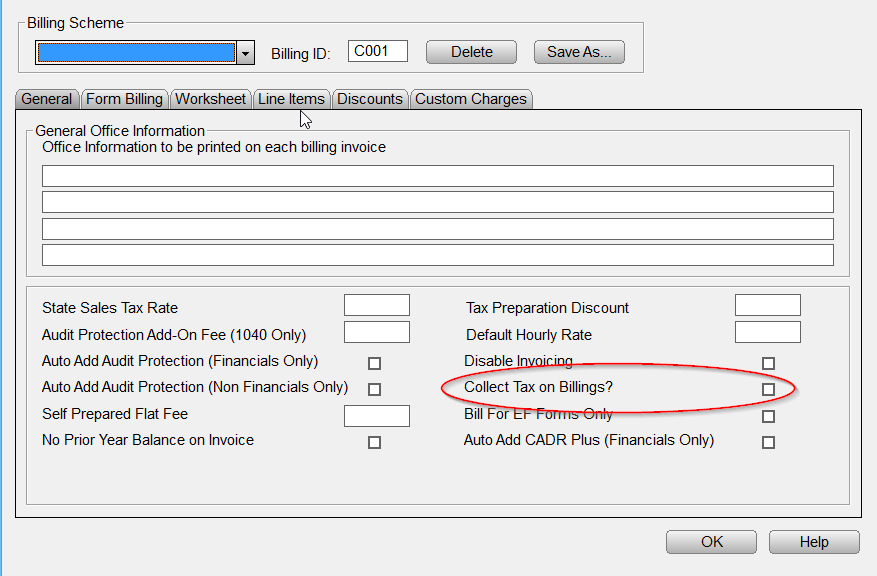
2. In the State Sales Tax Rate box, enter the desired sales tax rate where indicated below.

3. Click the Collect Tax on Billings check box as shown in the image below.
4. Then click OK to confirm the settings.