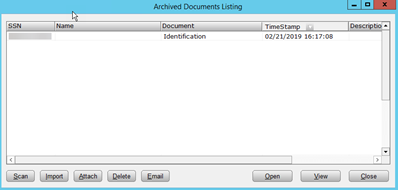
How to Import a Mobile App Submission.
Â
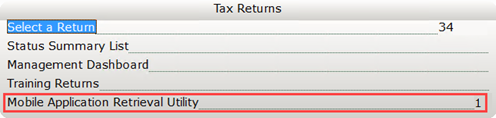
- Once logged in the software click on Mobile Application Retrieval Utility in the Work in Progress screen.
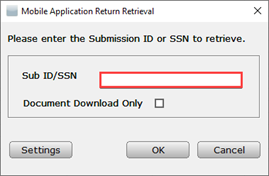
- To download the return, type the Submission ID (found in the notification email sent to email or the Mobile App backend) or SSN and click
- Downloaded returns have a status of Imported. Double-click to open the return.

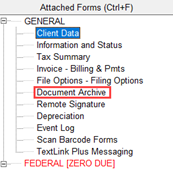
   4. Documents submitted with the return can be viewed in the Document archive.
 Â Â