How to Enter Coupon & Referral Information Metik mobile app
Coupon
- Log in the Taxmobileapp with your credentials.
- Click on Custom Settings

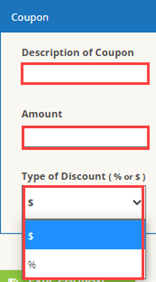
- Scroll down to the Coupon section and enter coupon information. Click Save Coupon.
Referral
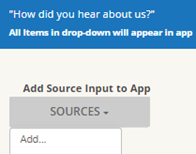
- Scroll down to the referral section and click on Sources then add
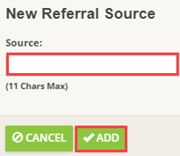
- Enter type of referral and click on add
   3. Check any of the applicable options.

Note: This will apply to all Referrals.