Online Program > Setting up Client Letters
This feature is designed to let the user design/develop their own custom client letters.Â
We have designed this feature to be fully customizable from within 1040 Online.
 Follow the instructions below to successfully setup a client letter:
- Click Office Settings.
- Click Client Letters.
- Select theÂ
 next to the English (default) client letter.
 - Select Add New Letter.
- Enter a new client letter name (Alphanumeric only).
- Click Modify on the desired option.
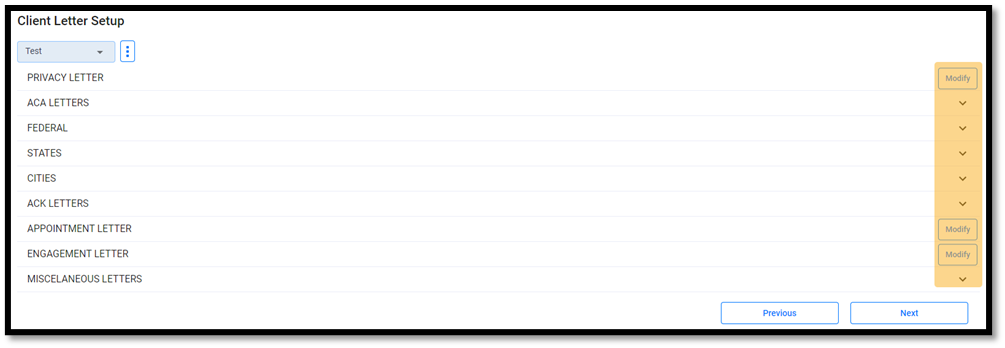
- Edit the text by utilizing the text editor or by pulling return information with the Keyword Lookup.

- Click Save.
 ðŸ–  NOTE: Custom letters can be saved as your login's default client letter by selecting , then Set as Default.