Online Program > Changes to Client Letter
How to edit/make changes/delete the client letter.
This function can only be done within the Office Level.Â
- Navigate to the Office Settings in the lower left corner of 1040 Online.
- Select the Client Letters hyperlink under the Extended Setup dropdown.
- Click the
 to begin making changes to the client letter
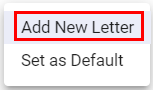
NOTE: You can not edit/make changes/or delete the ENGLISH (default) version of the client letter. - Select Add New Letter
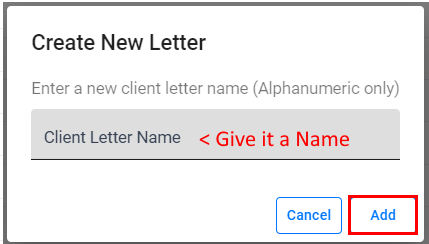
- Input the Client Letter Name desired
NOTE: Max 10 characters Alpha/Numeric only - Click the Add button
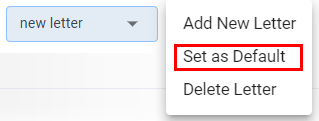
To set the newly created client Letter as DEFAULTÂ
- Verify the correct letter is displayed
- Click the
- Select Set as Default
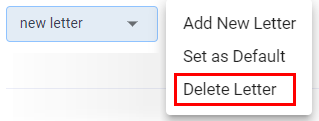
To delete a custom client letter Â
- Verify the correct letter is displayed
- Click the
- Select Delete Letter