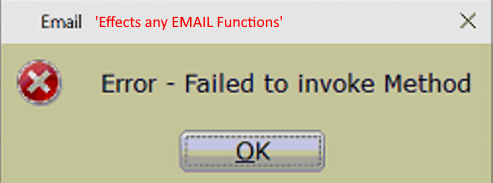
’Error - Failed to invoke Method’ when emailing from within the program.
Symptoms
While attempting to email any form from within the 1040 Software the following error occurs:
’Error - Failed to invoke Method’
Resolution
- From within the 1040 software navigate to Setup
- Select Office SetupÂ
- Click the TextMsg/Email tab & verify NO Data is present in the Advanced - SMTP SettingsÂ
- Select OK & test
-
- If you still get this error, complete the standard troubleshooting steps found here:Â https://kb.erosupport.com/article-401.html
